Premium activation
Activate Premium in NovaStation .
After Premium checkout, your NSP license key is emailed automatically to the email you
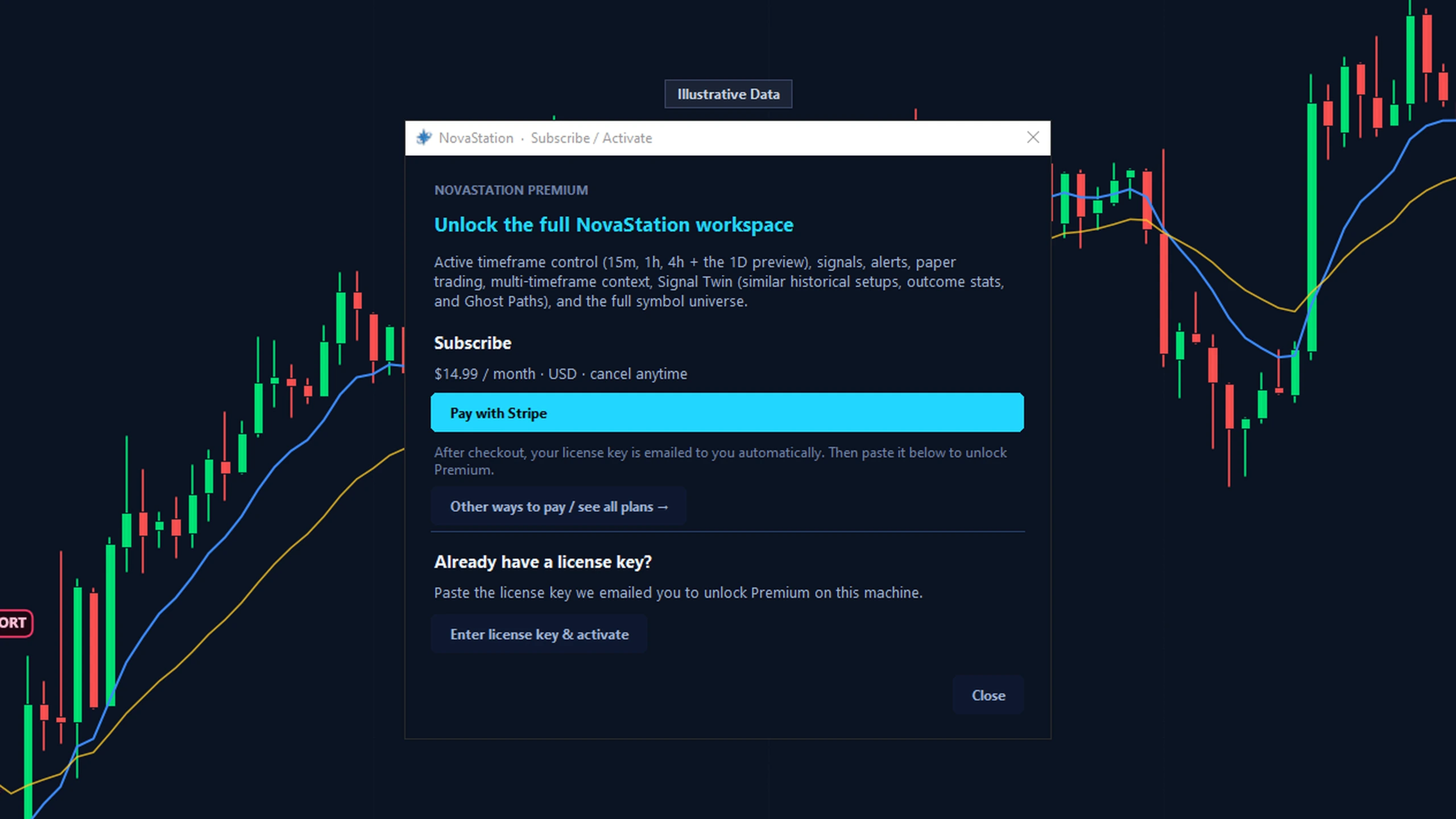
used during Stripe Checkout. Open NovaStation, choose Subscribe / Activate, enter that
checkout email and license key, and Premium unlocks.
Want to check your license and devices online? Sign in to your account .
Five steps to activate
Open NovaStation. Choose Subscribe / Activate. Enter the email used during Stripe Checkout.Paste the NSP license key from your email.Click Activate — Premium unlocks automatically.
Up to 2 devices can be activated, and the same
device can reverify without using another slot. Your license and how many device
slots you've used are always visible in My Account .
The Subscribe / Activate screen in the app — checkout, and where your license key goes.
Troubleshooting
License email missing? Check spam and promotions first — delivery is automatic after Stripe confirms checkout. Fastest fix: sign in to My Account and reveal the key on screen, or re-send the email to yourself. A re-send gives you the same key.Key not accepted? Paste the whole key rather than retyping it, and make sure it starts with NSP- (the expected format). The key is what unlocks Premium, so a typo in it is the usual culprit.Subscription inactive? If your subscription was cancelled or a payment failed, activation can't complete — check your status and billing in My Account .Device limit reached? Premium covers up to 2 devices, and the same device can reverify without using a new slot. Free a slot yourself in My Account → Device activations → Deactivate — it frees immediately. Email support if a device you expect isn't listed.Already had a license before? Re-subscribing keeps your original key — you won't be emailed a new one. Reveal or re-send it from My Account .Support: email novastationsupport@gmail.com from your checkout address.
Where your license comes from
Your NSP license key is delivered automatically by NovaStation's backend once Stripe
confirms checkout — there is no machine code to send and nothing to unlock by hand.
Still exploring? The free 7-day Premium trial is separate and starts inside the app,
no card. Just need the app? Download NovaStation free, or
read the FAQ .